Canadian restaurants, bars and cafes running a tip pool, and whoever does the tip-out at the end of a shift.
How it works
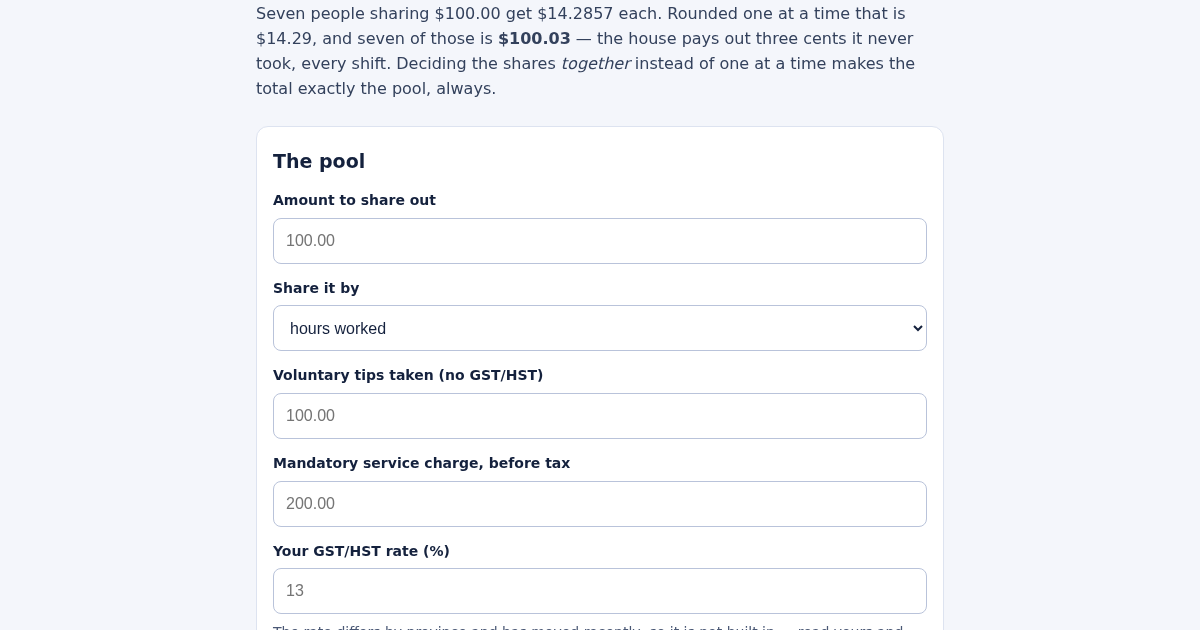
- Enter the amount to share out and whether it goes by hours or by sales.
- Enter the voluntary tips and the mandatory service charge separately, and your GST/HST rate.
- Paste one line per person: name, hours, sales. Hours as 7.5 or 7:30.
- Check that the shares add up to the pool exactly, and see what rounding one at a time would have cost.
What you gain
- Splits a tip pool so every cent is accounted for and the total always matches the pool exactly, instead of a per-person rounding that quietly loses or gains a few cents every shift.
Screenshot
Technical details
How to set up & use
- Buy the license — your key (lic_...) appears on the order page and in your email.
- Sign in at app.synoriaai.com with your license key.
- No installation — the product runs in your browser, on your own isolated instance.
- Enter the total tip pool amount in the 'Pool' field.
- Optionally enter voluntary tips and mandatory service charge separately, then set the GST/HST rate if applicable.
- Choose to split by hours or sales, and add each person's name and their hours or sales amount.
- Click 'Add' to see the exact split, with leftover cents distributed fairly so the total matches the pool exactly.
- Review the results, including what a naive one-at-a-time rounding would have given, and the tax amount on the mandatory charge.
Frequently asked questions
Is my data safe?
Yes, all calculations happen in your browser. No data is sent to any server, and nothing is stored.
Does this handle taxes correctly?
It separates voluntary tips from mandatory service charges, and only applies GST/HST to the mandatory portion, following the CRA position upheld by the Tax Court of Canada. You set the rate yourself.
What if two people have the same share?
Ties are broken consistently by larger basis first, then by name, so the same input always gives the same result.
Related products
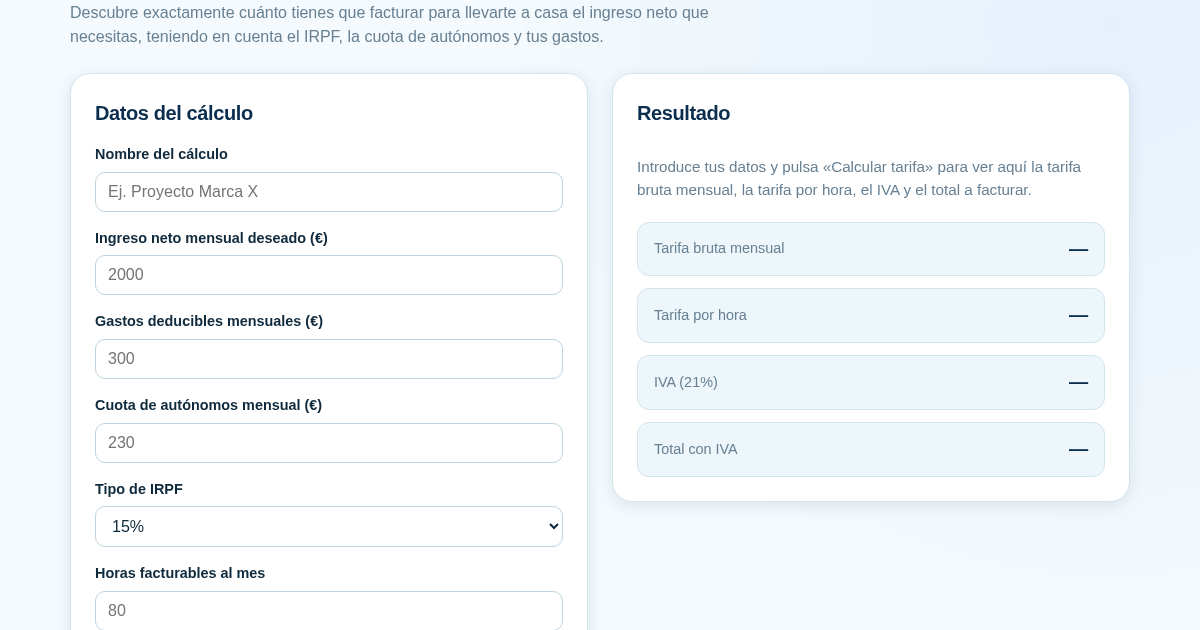
Calculadora de Tarifas para Autónomos
Muchos autónomos fijan sus tarifas sin saber cuánto necesitan facturar realmente para alcanzar el ingreso neto que quieren. Esta calculadora parte del neto mensual deseado y calcula la facturación bruta necesaria…
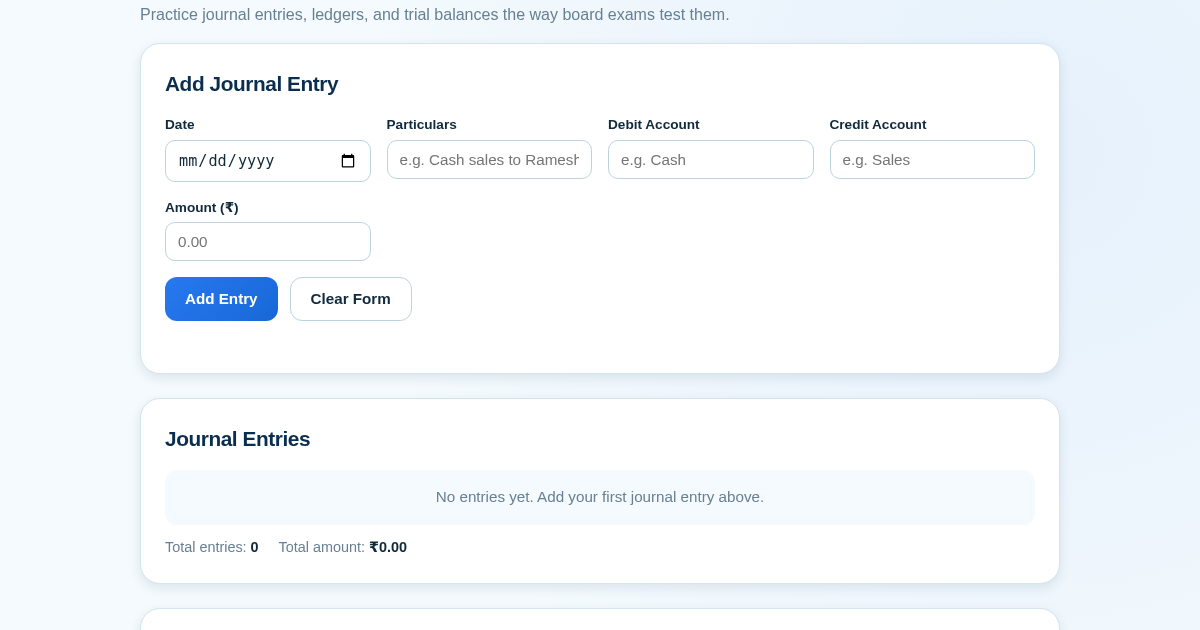
Ledger & Trial Balance Practice Tool
Commerce students in Class 10-12 need to practice journal entries and see how they flow into ledgers, trial balances, and balance sheets for board exams. This tool lets them enter transactions and instantly see the…
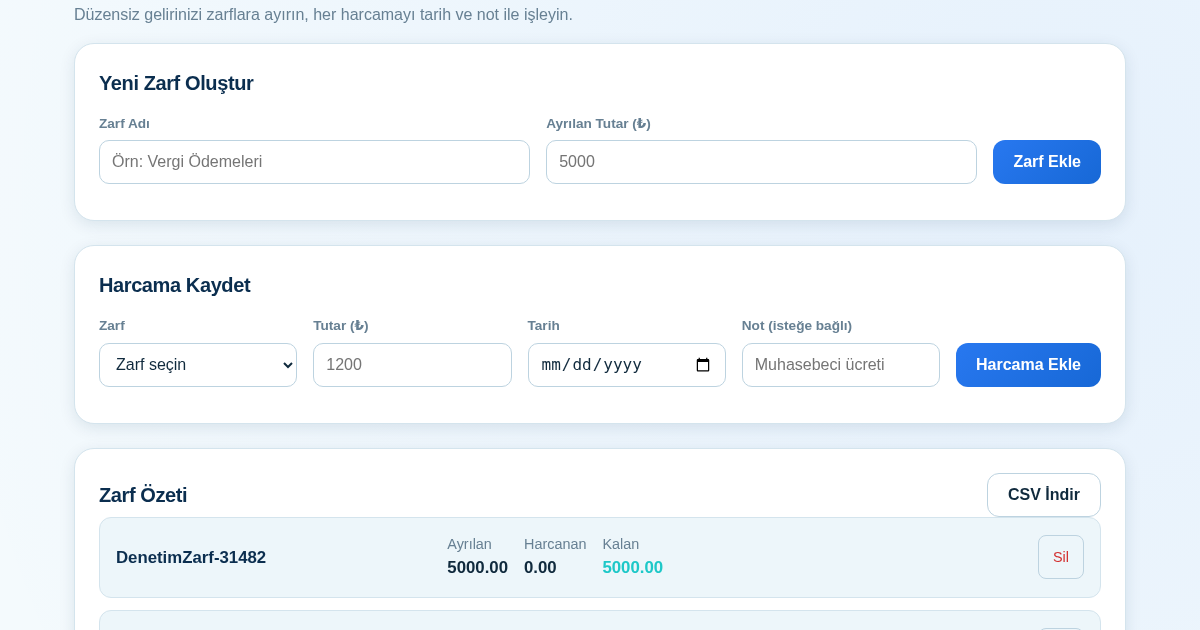
KASA - Serbest Çalışanlar İçin Zarf Bütçesi
Serbest çalışanlar düzensiz gelirlerini vergi, kira ve yaşam giderleri gibi zarflara bölerek bütçelerini düzenli tutabilir. Her harcamayı tarih ve not ile ilgili zarfa işleyerek ne kadar ayırdığını ve ne kadar…
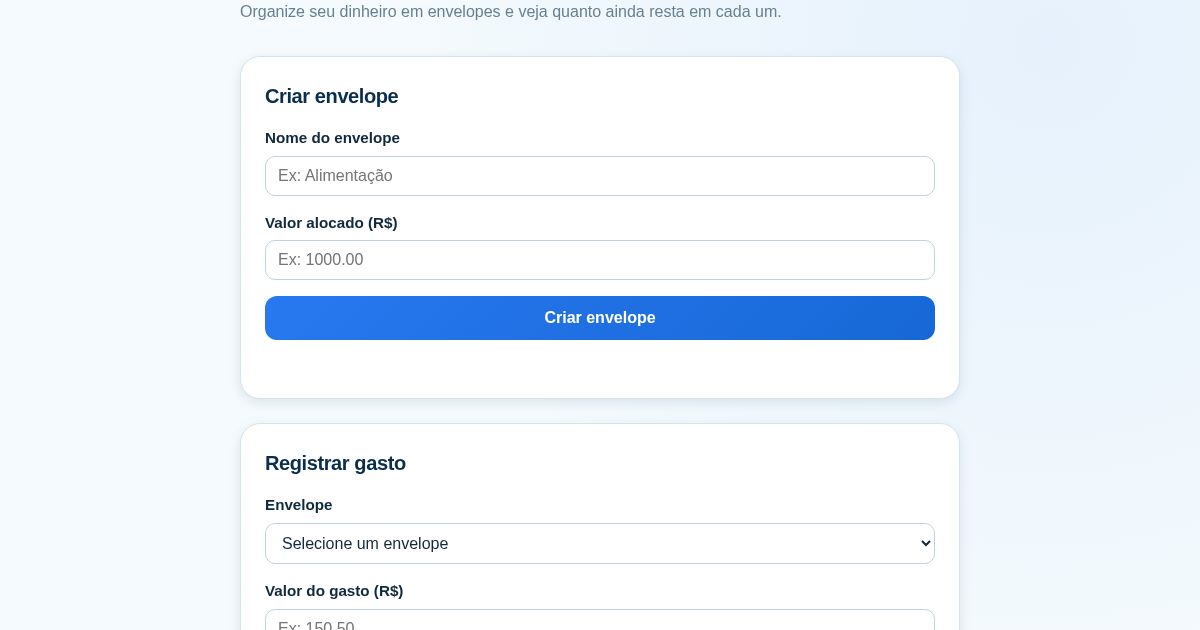
Calculadora de Orçamento por Envelopes (Pix)
Este aplicativo ajuda brasileiros a organizar seu dinheiro em envelopes de orçamento, como alimentação, transporte e lazer, sem precisar conectar uma conta bancária. Ele resolve o problema de controlar gastos do dia a…